SNS Data and AI Labs
pidnas
0.3 LTS
A connected, polished, professional Linux experience.
For individual users, students and small enterprises. A central focus is capable older Intel MacBooks and amd64 laptops and PCs whose vendor-supported macOS or Windows upgrade paths have ended. Newer compatible x86-64 computers are welcome too. Built on Ubuntu 26.04 LTS, pidnas is currently in preview.

pidnas0.3 LTS
Ubuntu 26.04 LTS foundation.
A release by SNS Data and AI Labs.
- Release
- 0.3 LTS
- Ubuntu base
- Ubuntu 26.04 LTS
- Architecture
- amd64 (x86-64)
- Publisher
- SNS Data and AI Labs
Our direction
Why we’re building pidnas.
Our goal is to make Linux feel like one coherent place to work: a polished desktop, familiar controls and consistent interactions across everyday tasks.
That vision spans USB installation and Windows Alongside choices, daily work across your applications, devices and services, normal Ubuntu updates, and backup and recovery guidance. You choose which connections to set up and how to use them.
Ubuntu 26.04 LTS provides the foundation and normal Ubuntu security updates. This is the direction we’re building toward; the current release is a preview. Check the installation guide for hardware requirements and installation steps.
Walk through installationRelease download
Previewpidnas 0.3 LTS
amd64 (x86-64) · Ubuntu 26.04 LTS base
pidnas-0.3.0-public-preview4-amd64.iso
5.16 GB · 5,155,848,192 bytes
Expected SHA-256
2fc7cb23d6f8c433f40d97033362b21978a685c66ff08469d599ed28d4ebb07eInstaller source downloads
Source code and build instructions for the modified Calamares installer.
Source archive SHA-256 hashes
- Source code
8ca8bf2a189c257d283dadb221a170a1567028299e70ea34f239b9fb35dd93ef
Installer preview
Explore the clean-install and Windows Alongside screens. Open an image for the full-size view.
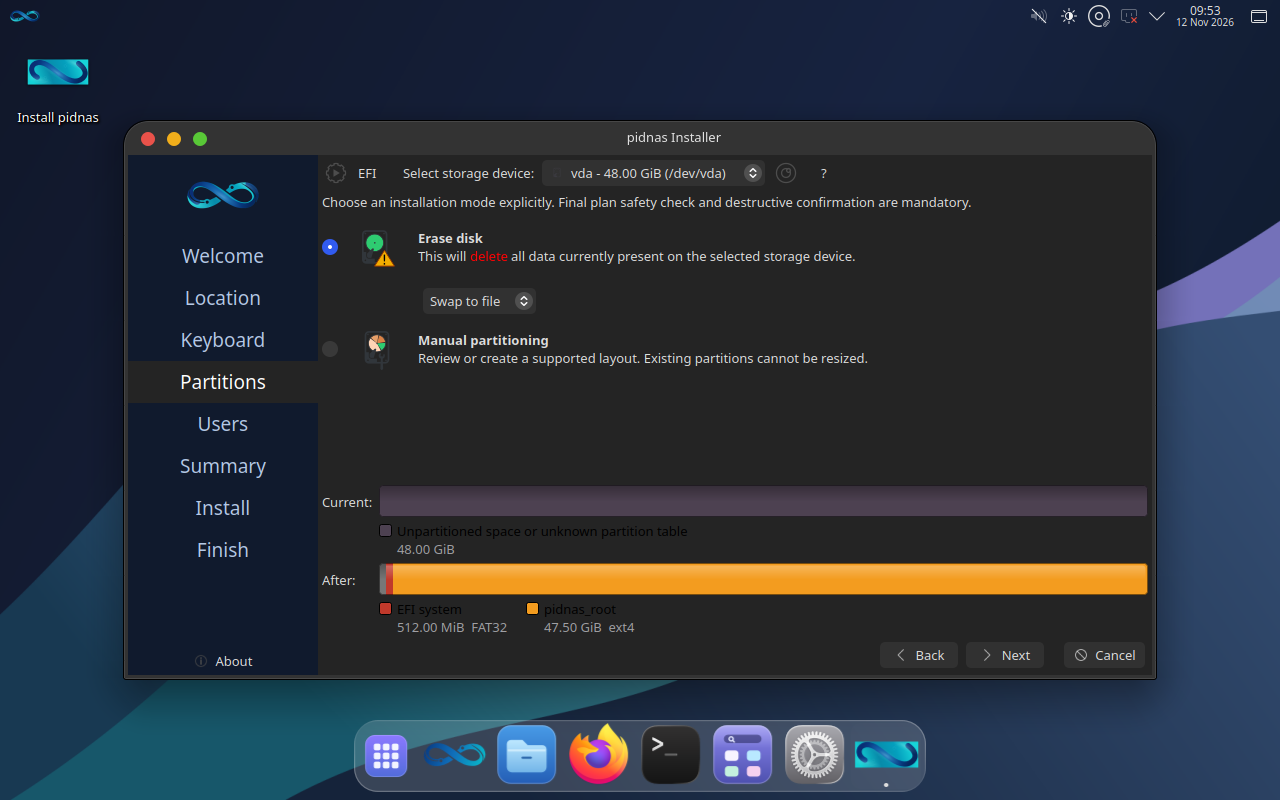
Guided layout preview
Disk layout for a clean installation.
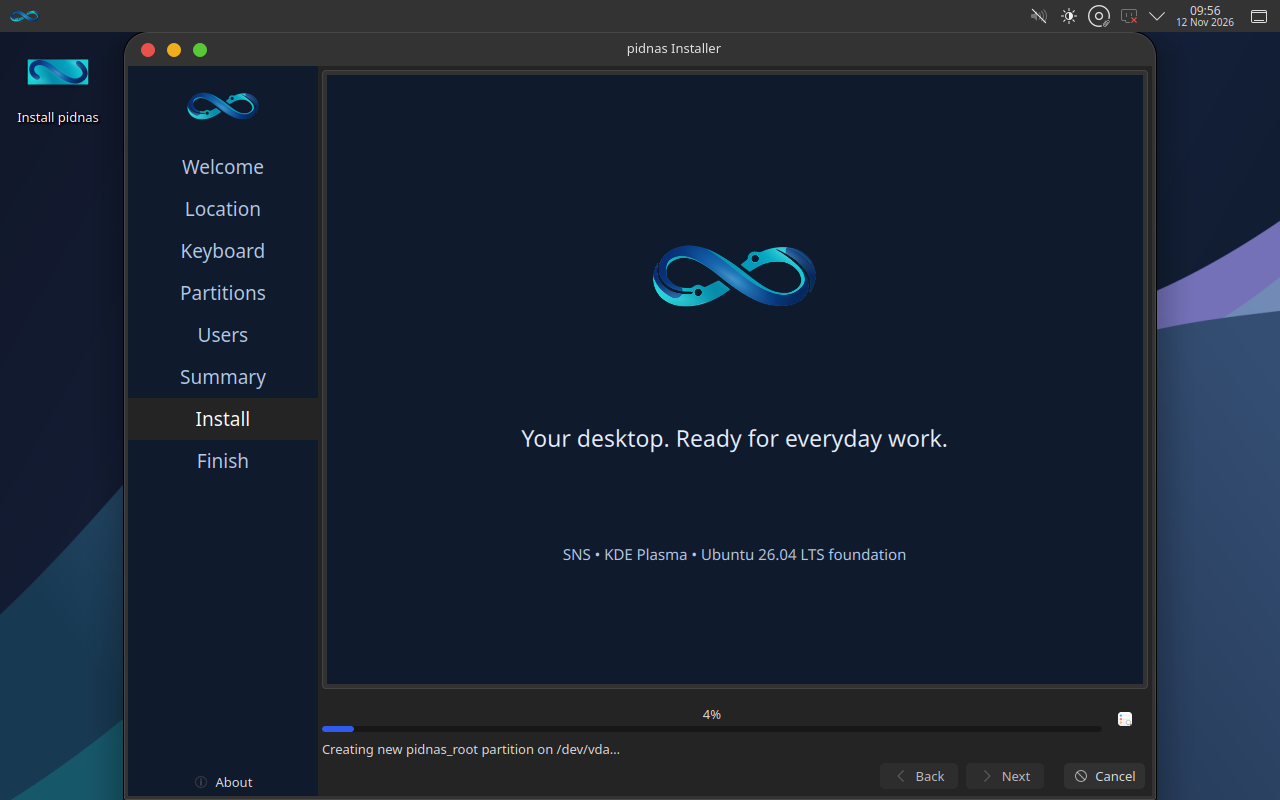
Installation starting
The installation screen.
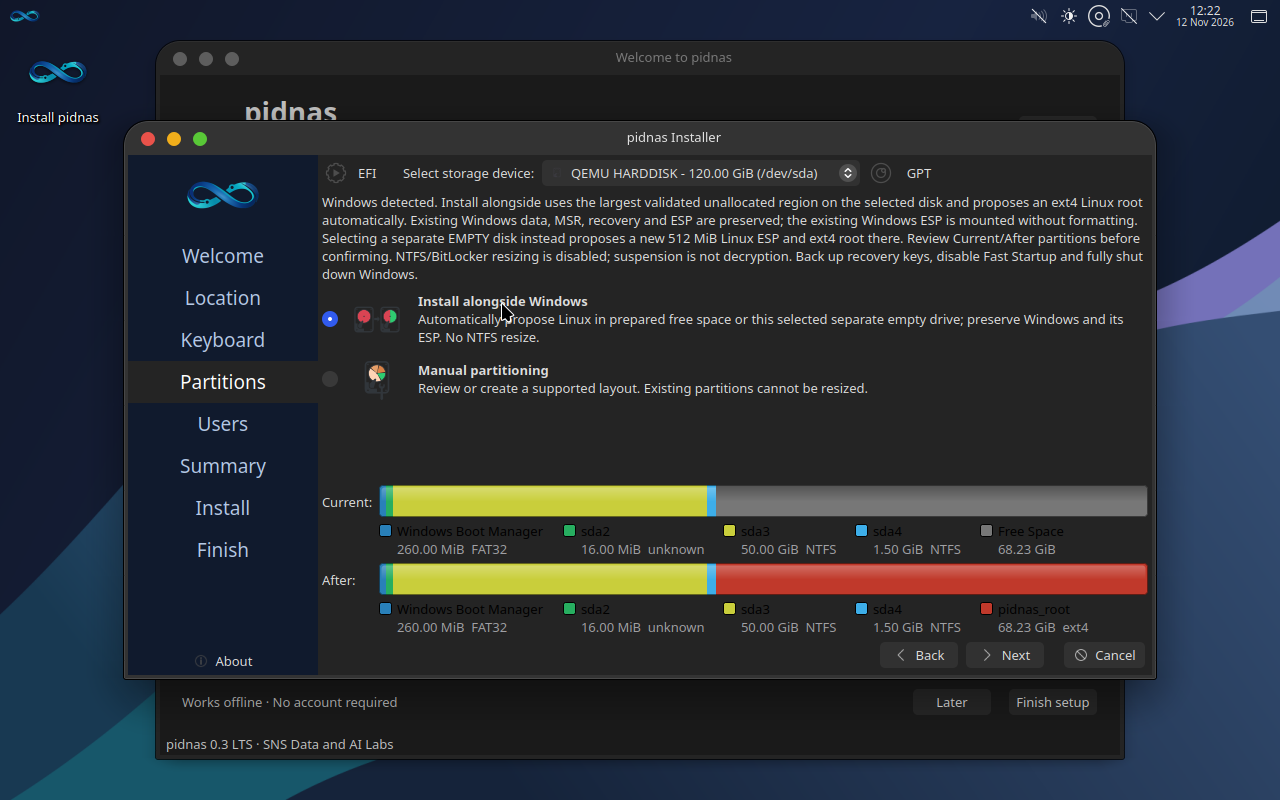
Windows Alongside layout
Windows Alongside layout, using prepared free space for Linux.
From download to desktop.
Choose the image
Check the release status and select the amd64 image for a compatible Intel or AMD 64-bit computer.
Read the guideVerify your download
Compare the complete image’s SHA-256 with the published checksum before using it.
Read the guidePrepare and install
Write the verified image to USB, back up your files, then follow the installation guide.
Read the guide